AI, UX, and Control: Where We Are and Where This Is Going
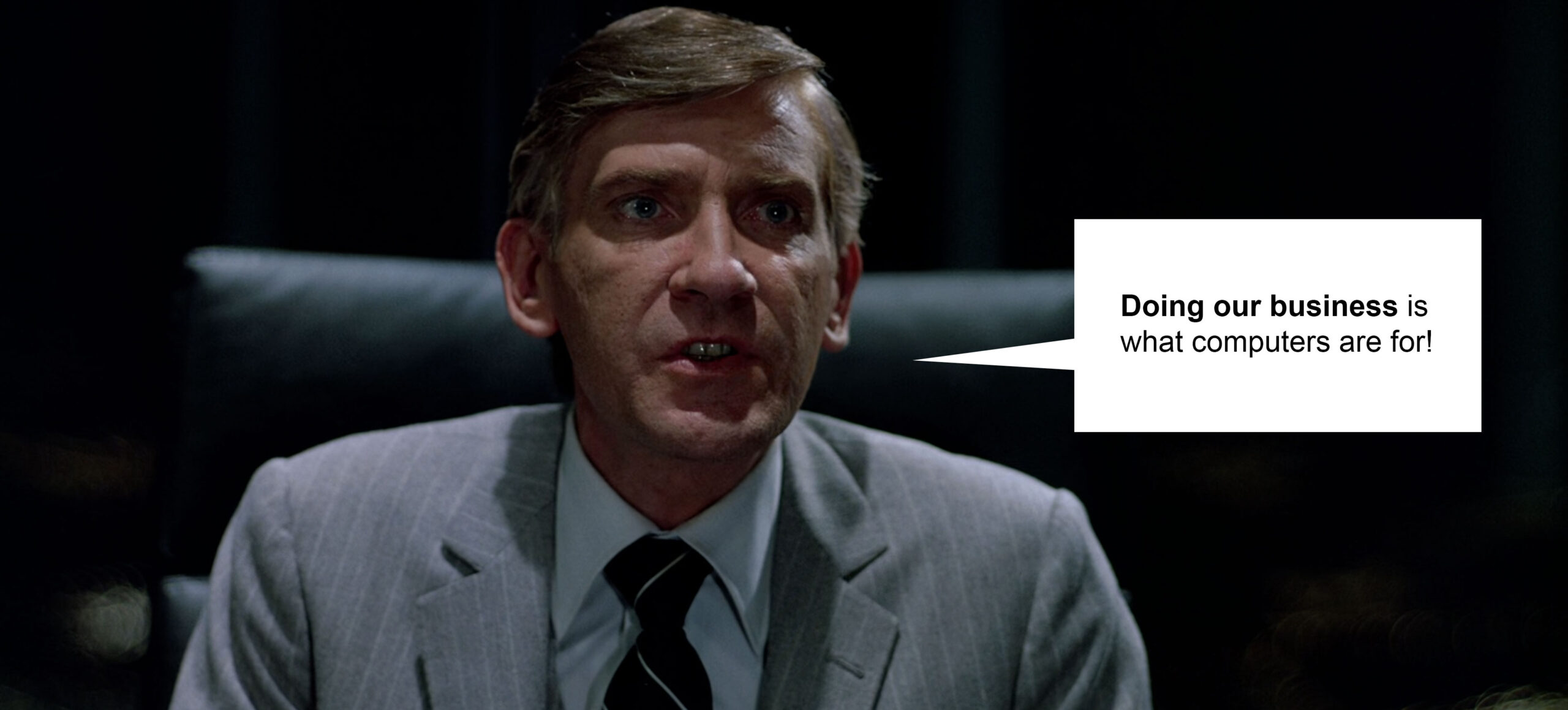
There’s a scene in TRON (1982) where Dillinger says, “Doing our business is what computers are for.”
That line stuck.
Because that debate never ended. It just evolved. Back then, it was about control of systems.
Now it’s about control of intelligence.
And the question is the same: Are we using computers… or are they starting to use us?
The Current Landscape: The Three Major Models
Right now, three AI systems are shaping most of what’s happening:
ChatGPT (OpenAI)
This is the most widely adopted model and the one I use daily.
Strengths:
• Fast iteration and ideation
• Strong at structured thinking (flows, systems, breakdowns)
• Excellent for writing, prototyping language, and reframing problems
• Flexible across disciplines (UX, code, content, strategy)
Where it fits:
• Daily workflow acceleration
• UX thinking partner
• Content generation and refinement
• Prompt-driven exploration
Claude (Anthropic)
Strengths:
• Long-form reasoning
• Pattern recognition across large blocks of text
• More “human” tone in certain contexts
• Strong at critique and synthesis
Where it fits:
• Reviewing strategy
• Stress-testing ideas
• Understanding macro trends
It’s also the one that said something that stuck with me:
• UX job postings dropped over 70% from their peak.
• This isn’t personal. It’s structural.
That’s not hype. That’s the reality we’re in.
Gemini (Google)
Gemini is tightly integrated into Google’s ecosystem.
Strengths:
• Search + AI hybrid thinking
• Strong multimodal capabilities (text, image, context)
• Deep integration with tools people already use
Where it fits:
• Information retrieval + synthesis
• Workflow integration at scale
• Enterprise environments
The Risk: Letting the Tool Take Over
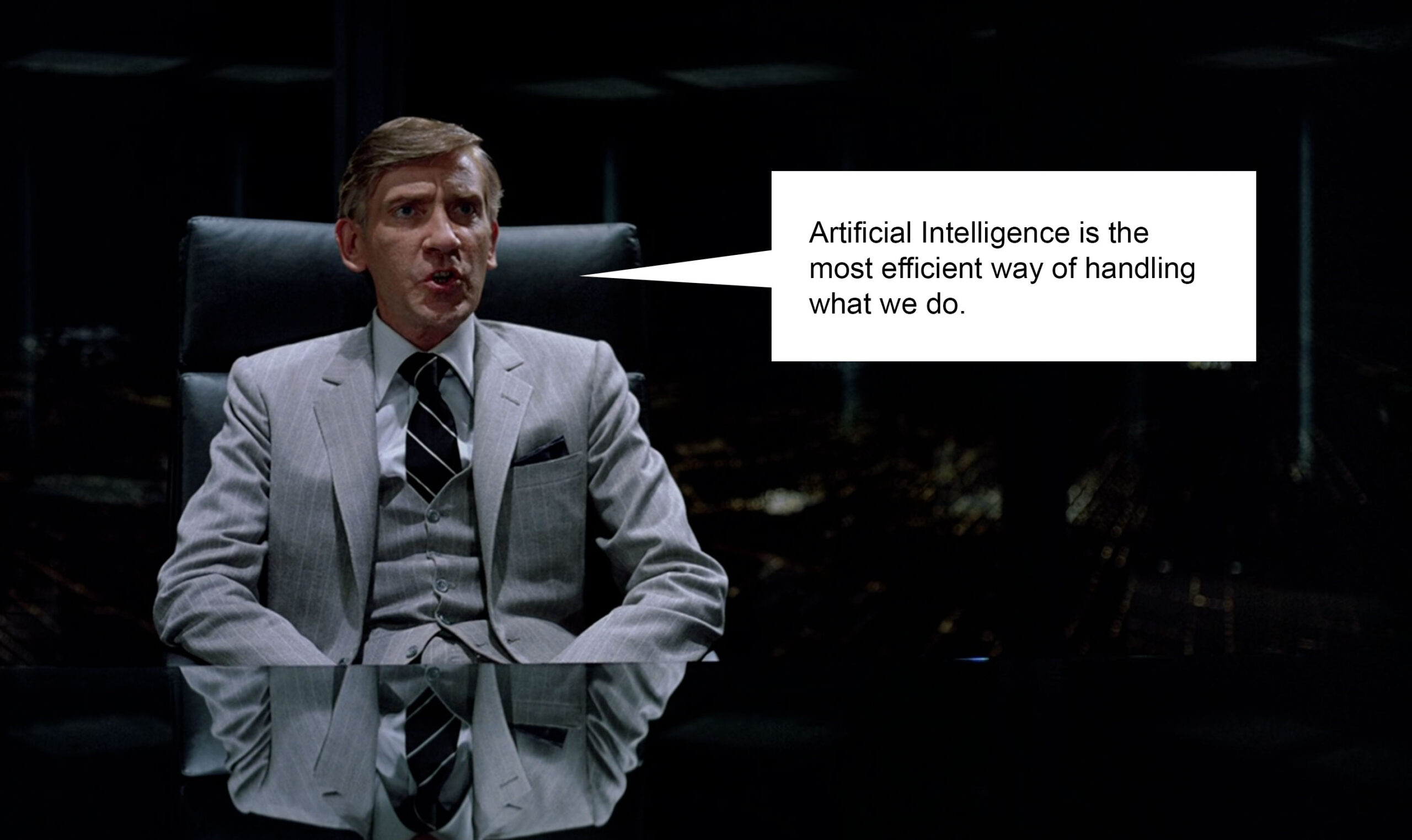
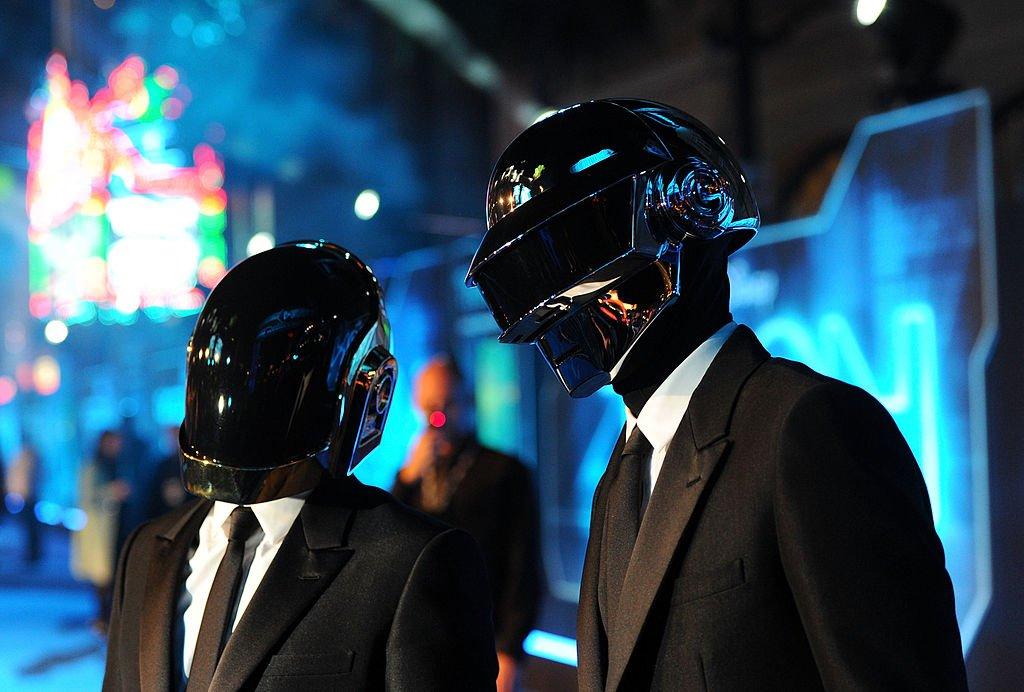
This is where I come back to TRON. There’s another version of that same idea now:
“Artificial Intelligence is the most efficient way of handling what we do.”
That’s true. Efficiency is not the problem. Control is. Companies will always use technology to reduce cost, increase output,
and scale faster. That’s expected. But if everything becomes generated, automated and optimized for metrics, then we lose
originality, human connection, and meaning. And that’s where things break.
Where I Stand
I don’t see AI as a threat. I see it as a multiplier.
But only if it stays in the right role. AI is the tool.
Humans are the driver.
We are still the ones who define intent, create meaning, and connect ideas to real human experiences.
AI helps us do it:
• Harder
• Better
• Faster
• Stronger
But it doesn’t replace the core of it.
What I Bring Into a Team
I’m not just “keeping up” with AI. I’m actively integrating it into how I work.
That means:
• Faster iteration cycles
• Better exploration of ideas
• Stronger alignment between business and user needs
• Clearer communication across teams
I’ve spent over a decade designing systems, workflows, and experiences. Now I’m applying that same thinking to:
• AI-assisted design
• Prompt-driven workflows
• Hybrid human + machine systems
Final Thought
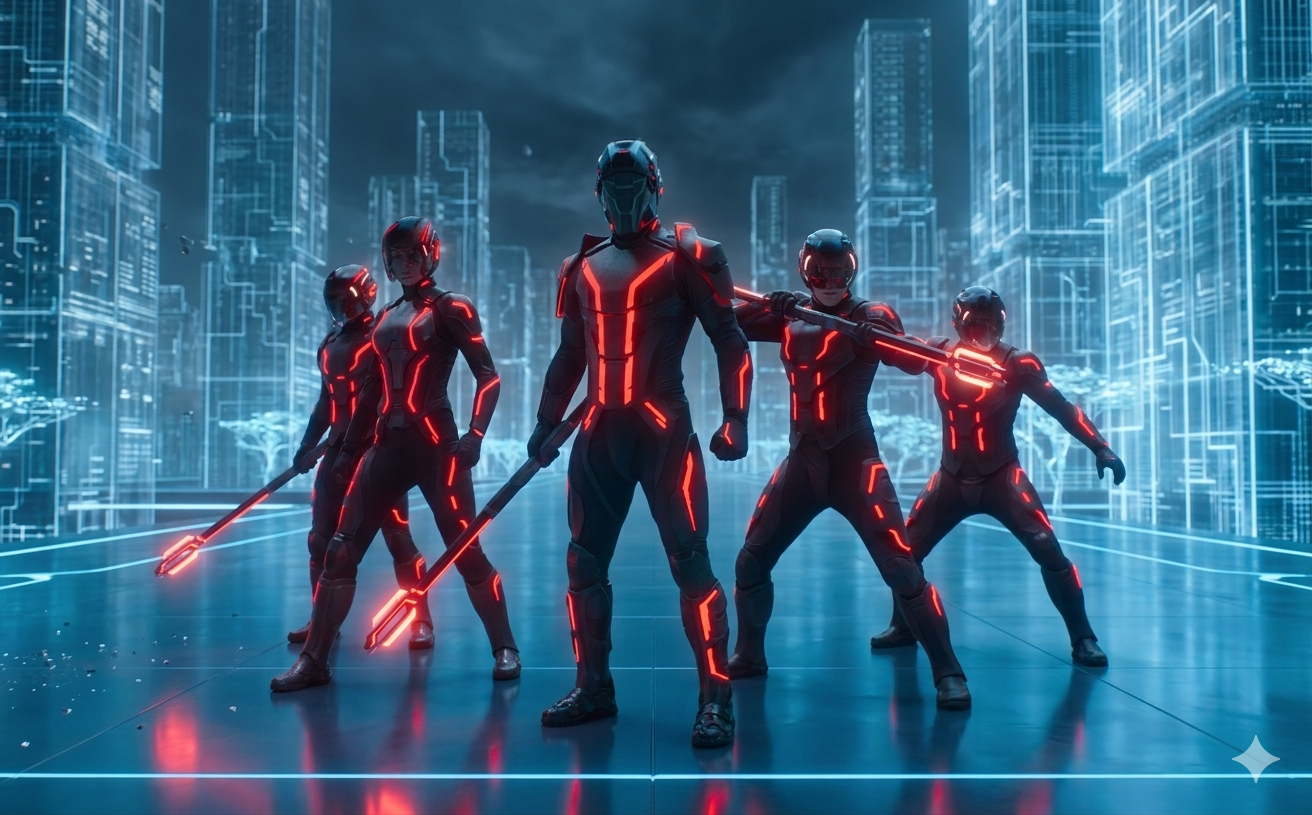
The companies that win in this next phase aren’t the ones that replace people with AI.
They’re the ones that figure out how humans and AI work together without losing what makes the experience human.
That’s the balance. That’s the opportunity.
And that’s exactly where I operate.
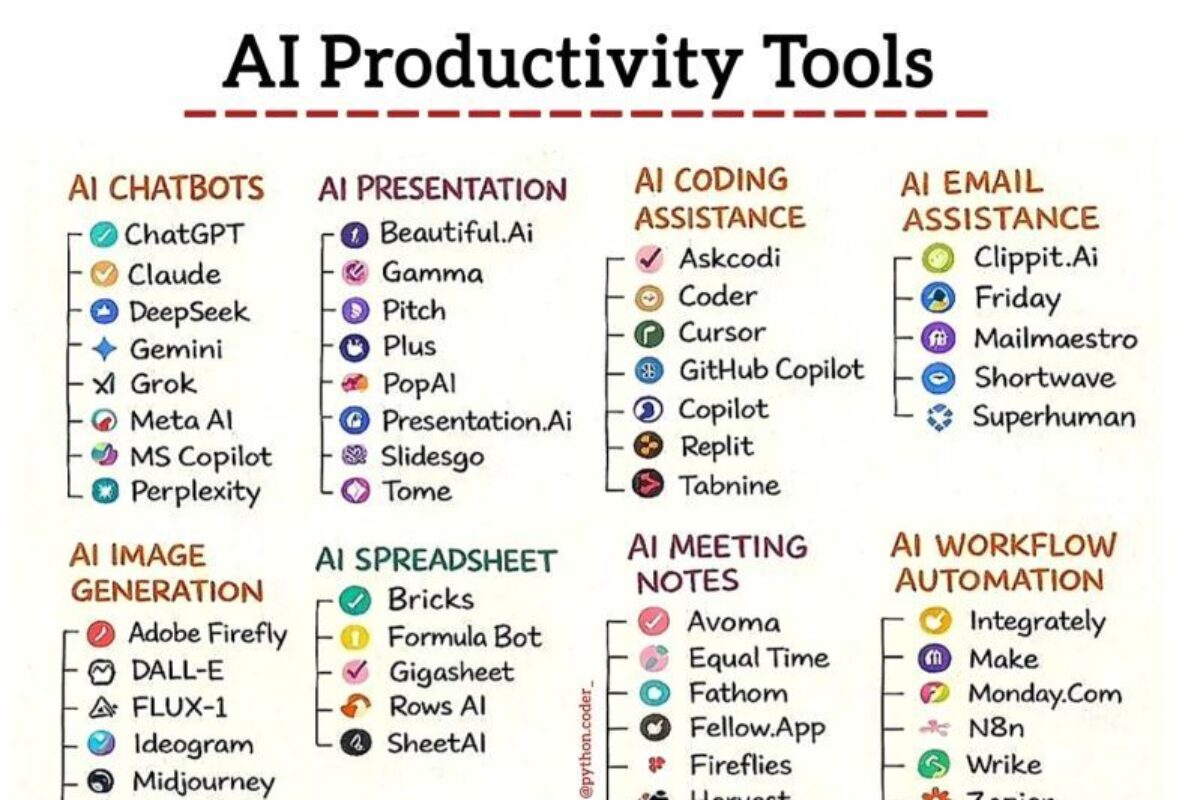
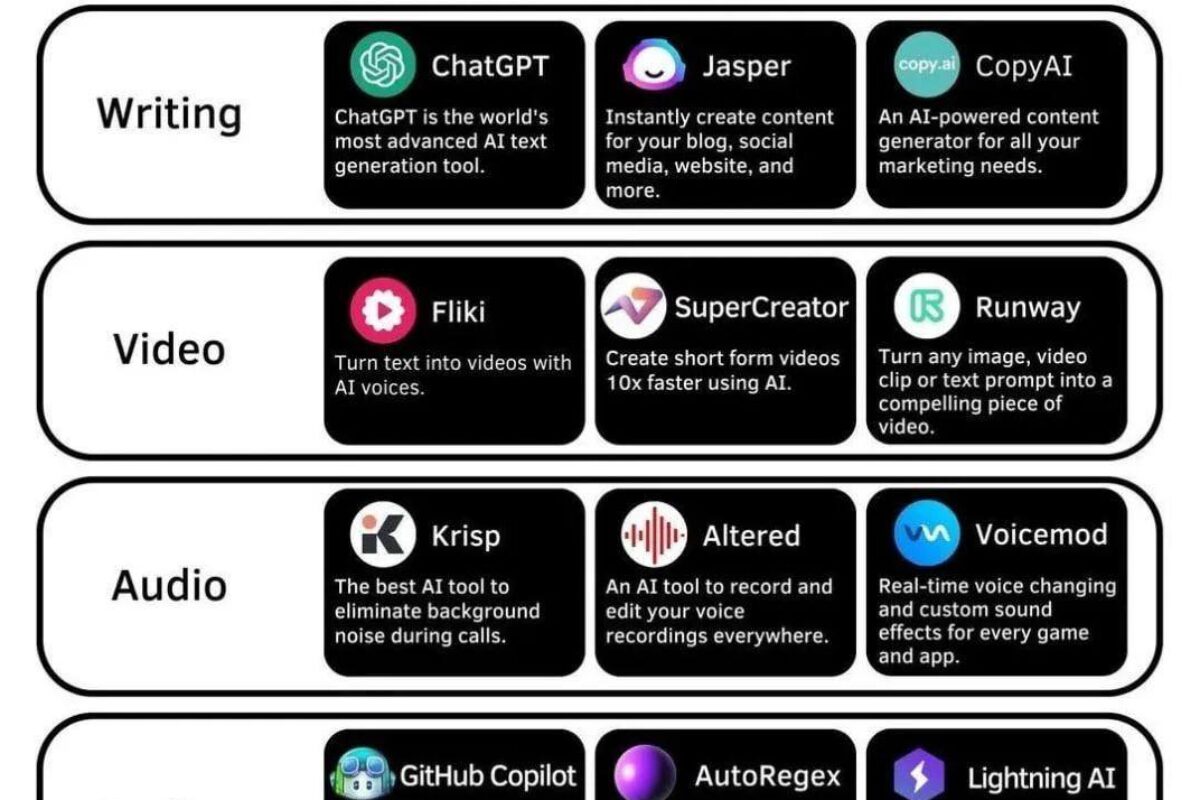
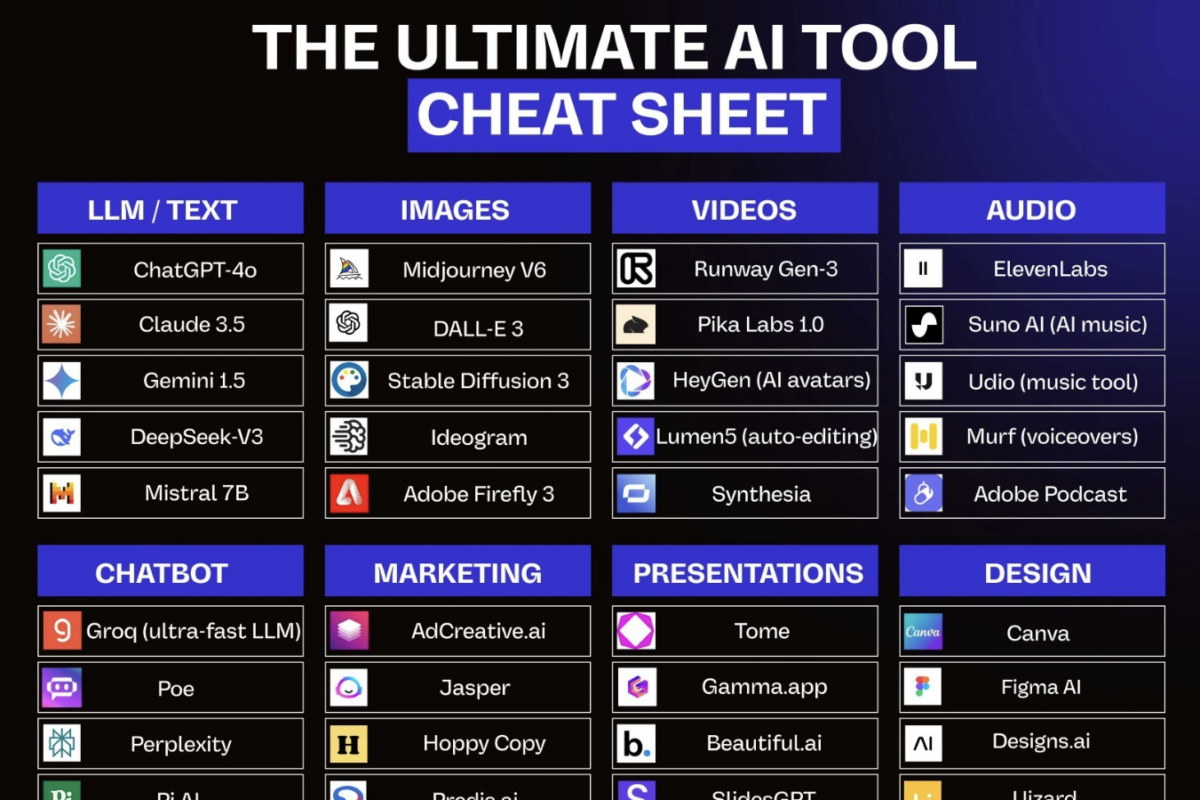
AI Tool List
Looking for other AI tools not listed above? Check out these comprehensive lists.